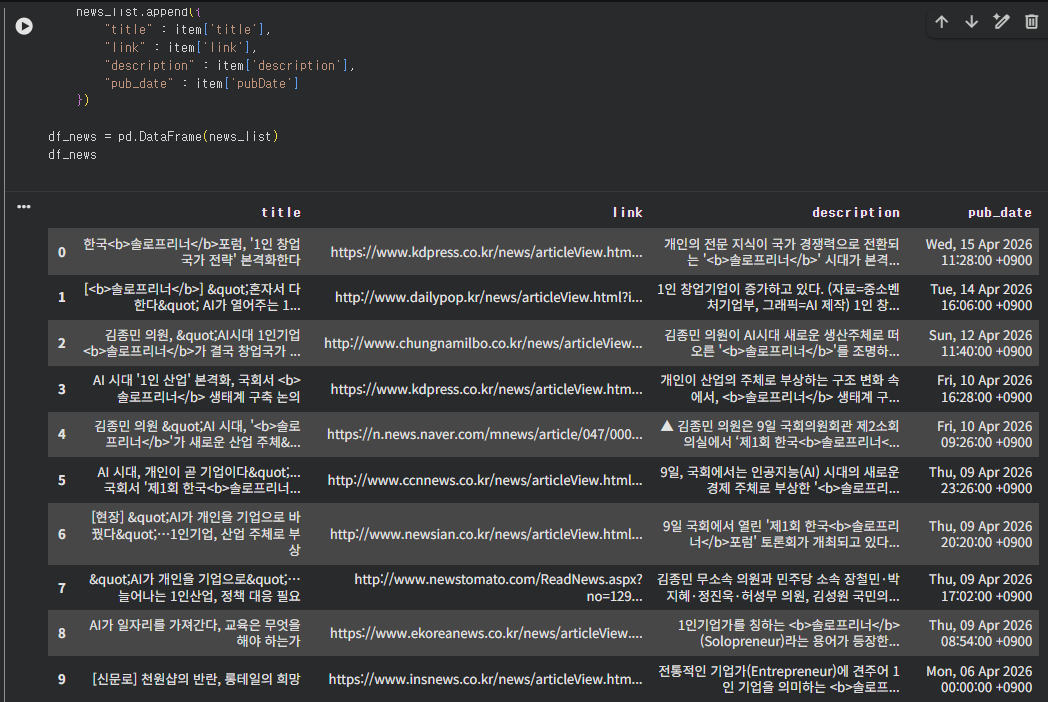
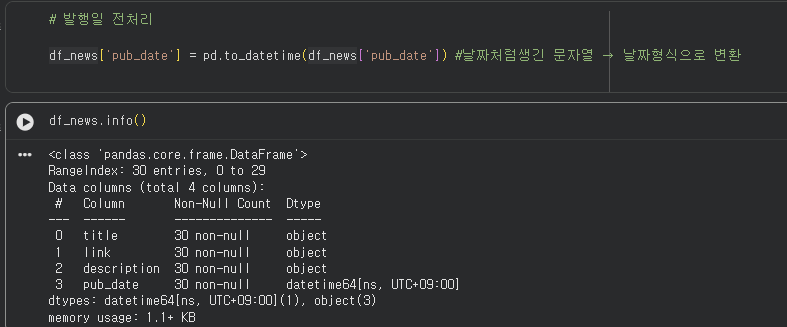
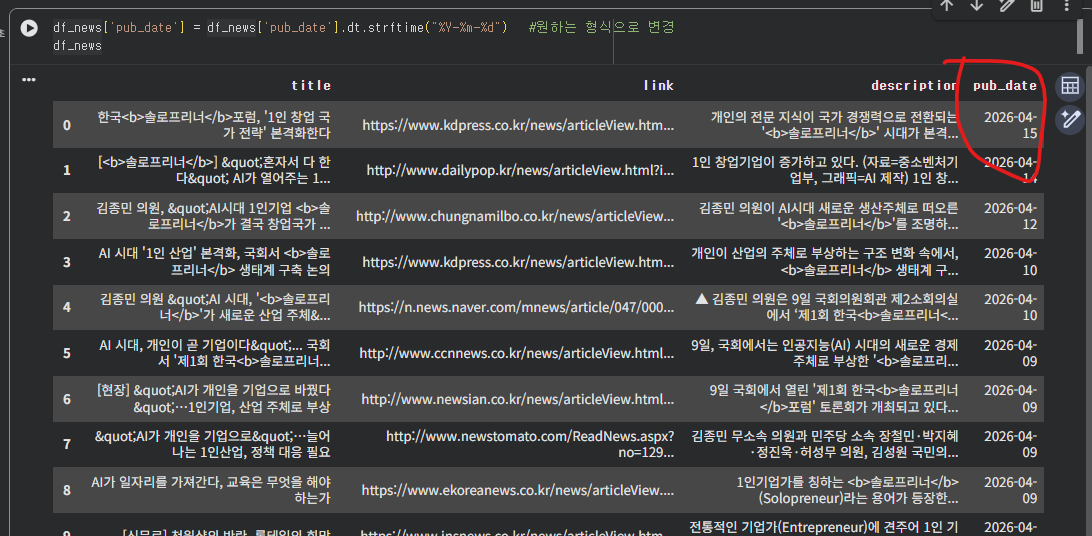
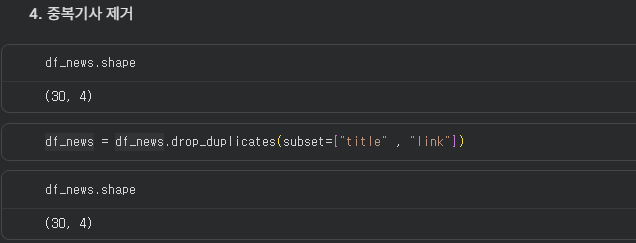
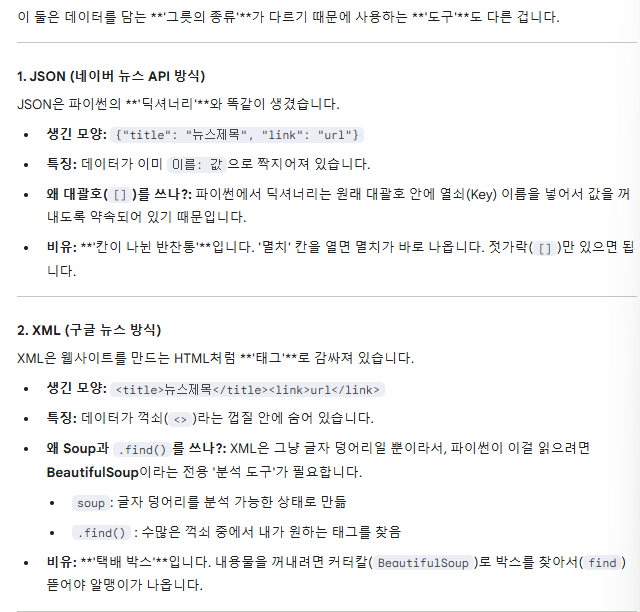
▼오늘 배운 사항들 1. 구글뉴스 크롤링(xml) - beautifulsoup 사용 2. 네이버뉴스 크롤링(json) - 딕셔너리 사용
Part 1. 크롤링 - 구글 뉴스
[구글 뉴스 가져오기]
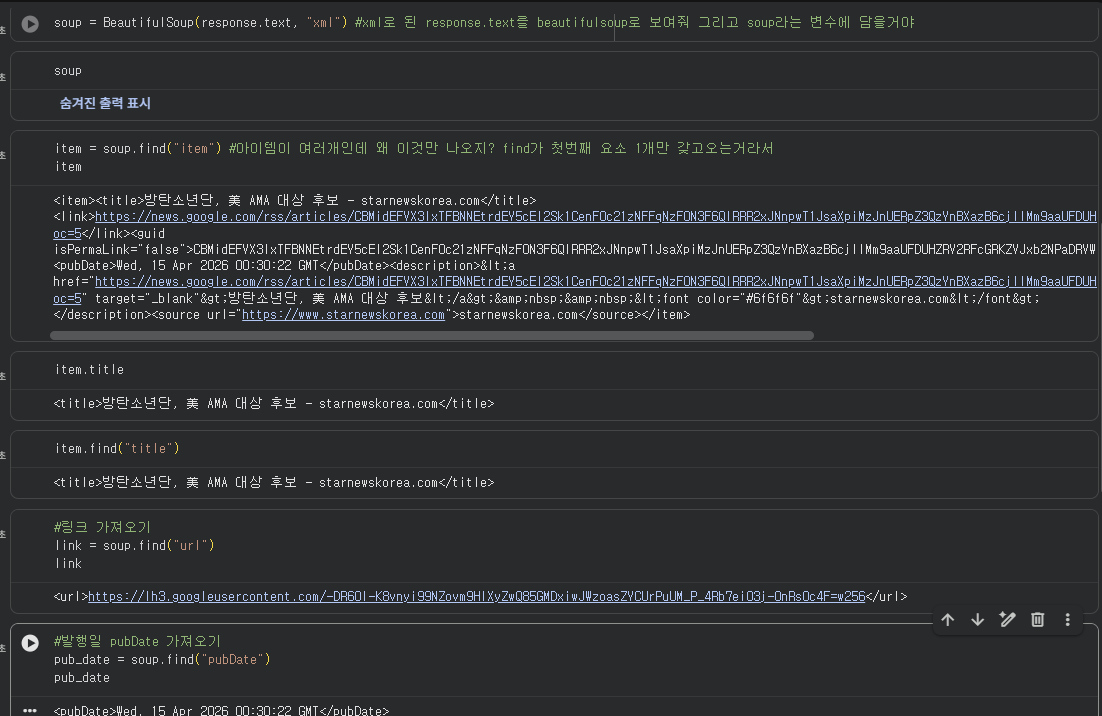
1. soup 변수에 beautifulsoup 만들고
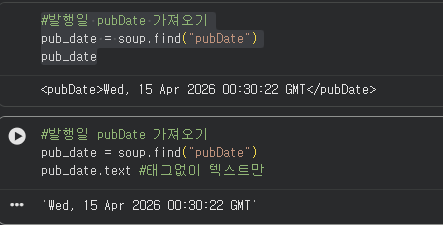
2. 꺼내고 싶은 태그별로 변수지정해서 find("")로 꺼내기
3. search query로 꺼낼 키워드 설정
find() : 태그 꺼내오기
변수.text : <>html 태그 없애고 싶으면 .text
오답) soup.find로 새로할 필요없이 itme.find로 해야...
{search_query} : 키워드만 바꾸면 알아서 돌아갈 수 있게 만듬
quote _plus() : 한글 변
태그 꺼내보기search query 변수 설정 - 키워드 대신 {}로 search querey 기입 - f"" 생성 후 quote plus로 한글 깨짐 방지
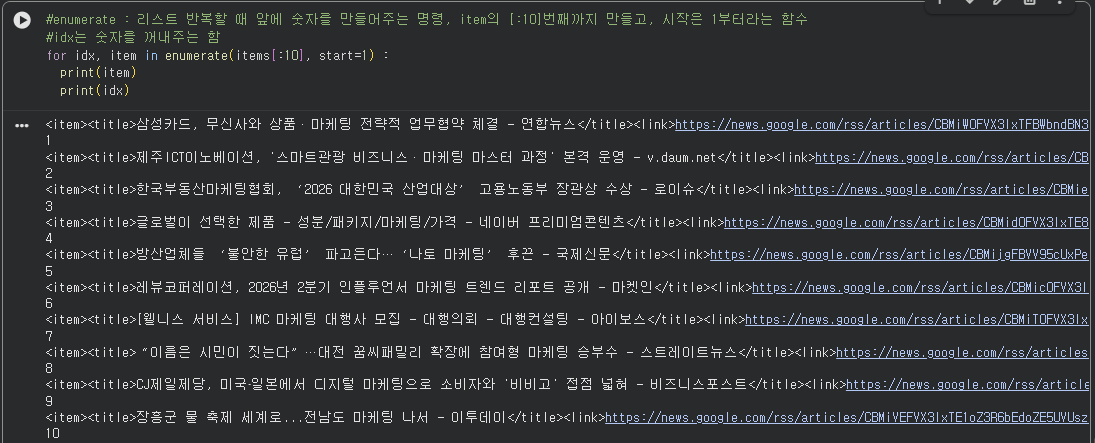
반복문 활용해서 여러개 꺼내보기
#enumerate : 리스트 반복할 때 앞에 숫자를 만들어주는 명령, item의 [:10]번째까지 만들고, 시작은 1부터라는 함수
#idx는 숫자를 꺼내주는 함
for idx, item in enumerate(items[:10], start=1) :
  print(item)
  print(idx)
for item in items[:10] :
  print(item)
  # 타이틀, 링크, 발행일, 뉴스기사출처
  title = item.find("title").text
  link = item.find("link").text
  pub_date = item.find("pubDate").text
  source = item.find("source").text
  print(f"[{source}] : {title}, {pub_date}, {link}")
enumerate 사용 / 미사용
[처음부터 한 셀에 만들어보기]
#하나의 셀 안에 모든 코드 넣어보기
import requests
from bs4 import BeautifulSoup
from urllib.parse import quote_plus #한글을 url에 넣을 수 있게

search_query = "축제"

rss_url = f"https://news.google.com/rss/search?q={quote_plus(search_query)}&hl=ko&gl=KR&ceid=KR:ko"

#데이터 가져오기
response = requests.get(rss_url,headers= {"User-Agent" : "Mozila/5.0"} )

soup = BeautifulSoup(response.text, "xml")
items = soup.find_all("item")


for item in items[:100] :

  # 타이틀, 링크, 발행일, 뉴스기사출처
  title = item.find("title").text
  link = item.find("link").text
  pub_date = item.find("pubDate").text
  source = item.find("source").text
  print(f"[{source}] : {title}, {pub_date}, {link}")
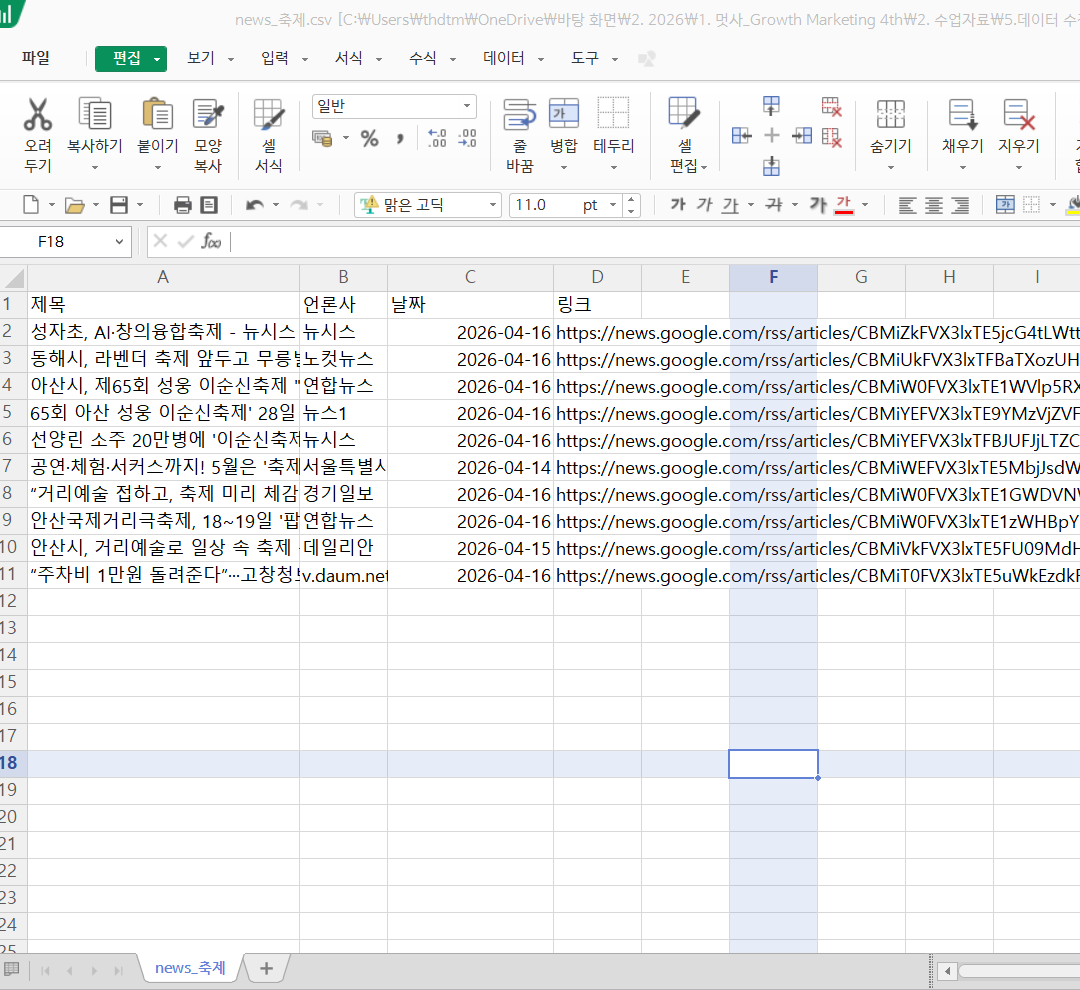
CSV 파일로 저장하기
#CSV파일로 저장하기
import requests
from bs4 import BeautifulSoup
from urllib.parse import quote_plus #한글을 url에 넣을 수 있게
import csv #csv에 담기 위한 함수
from google.colab import files #구글에서 파일 다운로드를 위한 함수
from datetime import datetime

search_query = "축제"

rss_url = f"https://news.google.com/rss/search?q={quote_plus(search_query)}&hl=ko&gl=KR&ceid=KR:ko"

#데이터 가져오기
response = requests.get(rss_url,headers= {"User-Agent" : "Mozila/5.0"} )

soup = BeautifulSoup(response.text, "xml")
items = soup.find_all("item")
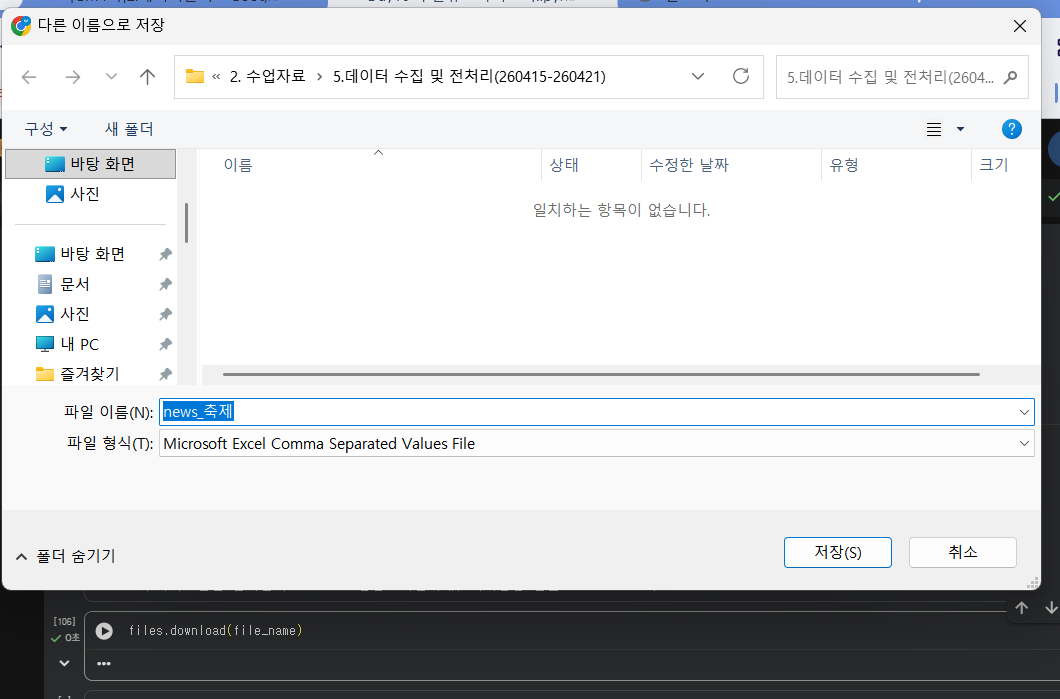
[CSV 파일 열어보기]
파일네임지정
파일 열기 with open - 파일명, 인코딩 - 첫번째 헤더 지정
파일 꺼내기 - 열기 : for문 사용 - 빈 값 처리 : if else 사용 - 데이터 변환 : if , strptime / strftime
파일 열기
#csv 파일을 열어보자

file_name = f"news_{search_query}.csv"

#w는 파일 새로 만들어서 쓰는 코드, 기존에 있으면 덮어쓰기
#newline은 줄바꿈 하지말기
with open(file_name, "w", newline="", encoding="utf-8-sig" ) as f:
  writer = csv.writer(f) #request 심부름꾼 만든 것처럼 csv에 writer 만들어서 명령중 (f)은 file에 담는다
  writer.writerow(["제목", "언론사", "날짜", "링크"]) #시킬 행동 코드, 헤드 컬럼명

  for item in items[:10] :
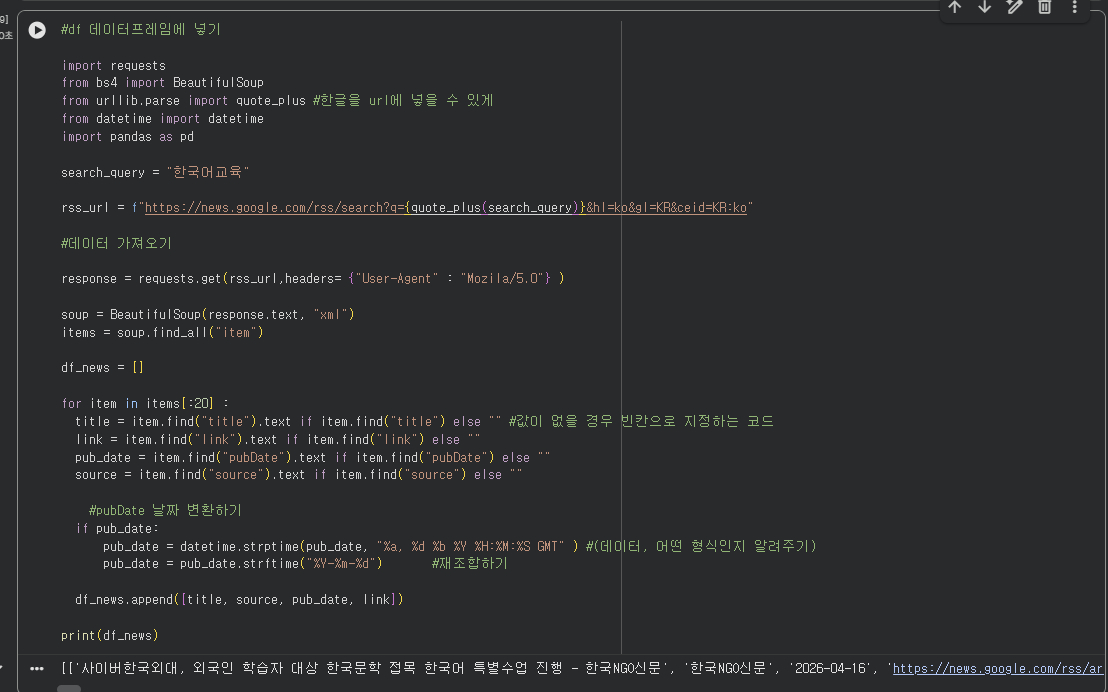
    title = item.find("title").text if item.find("title") else "" #값이 없을 경우 빈칸으로 지정하는 코드
    link = item.find("link").text if item.find("link") else ""
    pub_date = item.find("pubDate").text if item.find("pubDate") else ""
    source = item.find("source").text if item.find("source") else ""

      #pubDate 날짜 변환하기
      #strptime : 문자열 -> 날짜
      #strftime : 날짜 -> 원하는 문자열로 재배치
    if pub_date:
        pub_date = datetime.strptime(pub_date, "%a, %d %b %Y %H:%M:%S GMT" ) #(데이터, 어떤 형식인지 알려주기)
        pub_date = pub_date.strftime("%Y-%m-%d")       #재조합하기


      #csv 헤더 다음에 들어갈 내용 넣기
    writer.writerow([title, source, pub_date, link])
    print(f"{title}, {source}")
import requests
from bs4 import BeautifulSoup
from urllib.parse import quote_plus #한글을 url에 넣을 수 있게
import csv #csv에 담기 위한 함수
from google.colab import files #구글에서 파일 다운로드를 위한 함수
from datetime import datetime

search_query = "한국어교육"

rss_url = f"https://news.google.com/rss/search?q={quote_plus(search_query)}&hl=ko&gl=KR&ceid=KR:ko"

#데이터 가져오기
response = requests.get(rss_url,headers= {"User-Agent" : "Mozila/5.0"} )

soup = BeautifulSoup(response.text, "xml")
items = soup.find_all("item")

#csv 파일을 열어보자
file_name = f"news_{search_query}.csv"

with open(file_name, "w", newline="", encoding="utf-8-sig" ) as f:
  writer = csv.writer(f) #request 심부름꾼 만든 것처럼 csv에 writer 만들어서 명령중 (f)은 file에 담는다
  writer.writerow(["제목", "언론사", "날짜", "링크"]) #시킬 행동 코드, 헤드 컬럼명

  for item in items[:20] :
    title = item.find("title").text if item.find("title") else "" #값이 없을 경우 빈칸으로 지정하는 코드
    link = item.find("link").text if item.find("link") else ""
    pub_date = item.find("pubDate").text if item.find("pubDate") else ""
    source = item.find("source").text if item.find("source") else ""

      #pubDate 날짜 변환하기
      #strptime : 문자열 -> 날짜
      #strftime : 날짜 -> 원하는 문자열로 재배치
    if pub_date:
        pub_date = datetime.strptime(pub_date, "%a, %d %b %Y %H:%M:%S GMT" ) #(데이터, 어떤 형식인지 알려주기)
        pub_date = pub_date.strftime("%Y-%m-%d")       #재조합하기


      #csv 헤더 다음에 들어갈 내용 넣기
    writer.writerow([title, source, pub_date, link])

files.download(file_name)